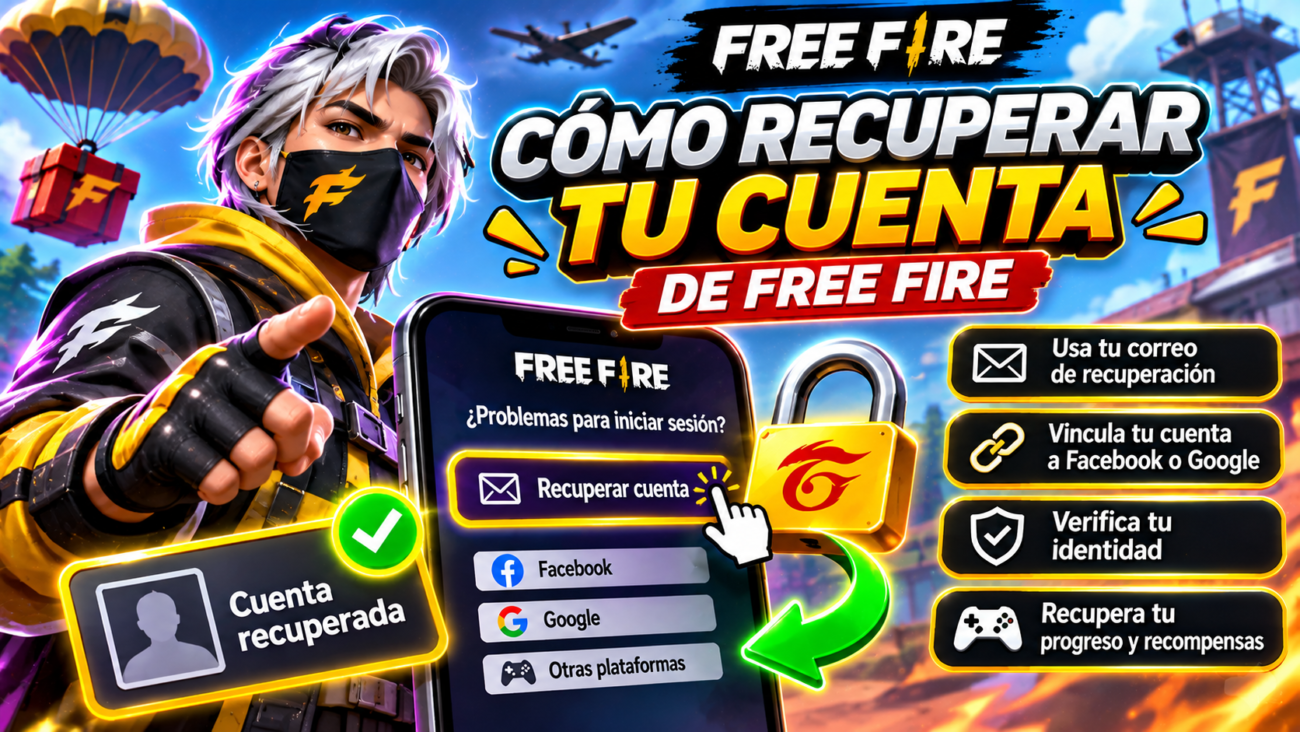
Recovering a Free Fire account depends on how the player originally signed in and whether additional recovery information was configured. Someone who connected the game to Google or Facebook may need to restore access to that provider, while players with a registered recovery email can have another option through Garena’s recovery system. Guest accounts require special caution because their local data may not be recoverable.
Garena provides official instructions for linked-account recovery and explains how its recovery email feature works. The process is not identical for every account, and suspended profiles are not automatically restored through the standard recovery procedure. Players must verify ownership and follow the conditions applicable to their situation.
Before creating a replacement profile or contacting strangers offering recovery services, it is important to identify what was lost. At elitegame.toboxy.com, we examine the main recovery scenarios, explain the steps supported by Garena, and identify precautions that can protect valuable progress.
First, Identify the Cause of the Login Problem
A failed login does not necessarily mean that a Free Fire profile has been deleted.
Sometimes the underlying problem is an inaccessible Facebook account, a forgotten Google password, or an authentication issue.
Because the game relies on supported external login providers, access to the original platform can be essential.
Garena explains in its linked social account recovery instructions that players without a configured recovery email generally need to restore their original external account first.
For example, someone who previously signed in through Google should use Google’s official recovery service if the Google account itself is inaccessible.
Garena cannot reset a third-party email password.
This is why the first step should be identifying the original authentication method rather than repeatedly creating new game accounts.
A new Free Fire profile is not automatically connected to an older character collection.
For readers exploring account security on elitegame.toboxy.com, distinguishing a login-provider problem from an in-game recovery problem can prevent unnecessary confusion.
Recovering a Profile With a Registered Recovery Email
Garena offers an account recovery feature for eligible profiles that previously configured a recovery email.
The email must have been linked through the game’s supported account security system.
Merely remembering the email address used for Facebook or Google is not enough if it was never configured as the Free Fire recovery address.
The official linked account recovery procedure describes how an eligible player can verify the associated email and connect the recovered profile to another login platform.
The process generally follows these steps:
- Open Free Fire and locate the account recovery option.
- Enter the previously registered recovery email.
- Request the verification code.
- Check the linked mailbox for Garena’s message.
- Enter the code through the official recovery interface.
- Confirm that the displayed nickname and player ID match the correct profile.
- Choose an eligible login platform that is not already linked to another Free Fire account.
- Complete the connection and use the new login method.
The exact process depends on the account’s eligibility and the recovery options currently available.
Players should never provide verification codes to a stranger claiming to be part of the support team.
The code is intended to verify the authorized account holder, not to authorize an unrelated recovery service.
At elitegame.toboxy.com, we recommend completing these steps only through the official game and Garena’s approved support resources.
Why the Recovery Email Must Be Configured Early
Garena recommends linking a recovery email while the player can still access the account.
Its recovery email instructions describe the setup through the game’s account settings.
The process involves entering a valid email, verifying it, and creating an additional security code.
That security code is important because it may be needed for later changes.
Garena also describes a 15-day waiting period associated with establishing the recovery email.
This means the security feature should not be treated as an emergency solution that becomes immediately available the moment it is configured.
Players who already have access to their account should review these settings before any problem occurs.
What About Guest Accounts and Suspensions?
Guest accounts do not have the same protection as properly linked profiles.
Their progress may depend on locally stored game information.
If that information is lost, standard account recovery options may be unavailable.
Players who still have access through guest mode should examine the available account-linking options as soon as possible.
A suspended account represents a different issue.
Garena explicitly explains that its standard linked-account recovery procedure does not apply to temporarily or permanently suspended profiles.
Trying to recover a suspension through an ordinary forgotten-login process may therefore be unsuccessful.
Players should use the applicable official support or appeal procedures instead of paying someone who promises to bypass the suspension.
For readers following Free Fire support information through elitegame.toboxy.com, identifying the correct category is essential.
A compromised account, inaccessible email, deleted guest profile, and disciplinary suspension should not be treated as interchangeable problems.
Securing the Recovered Account
Once access is restored, the next priority is preventing another loss.
Review the linked authentication platform, change any compromised passwords, and enable additional security measures where supported.
Players should also inspect their recovery email details.
If an unfamiliar address appears, follow Garena’s official instructions for reporting or addressing suspicious changes.
Avoid sharing accounts with friends or unfamiliar sellers.
Even someone who knows the nickname and player ID should not receive passwords or verification codes.
Keeping account access private is especially important when the profile contains purchased or rare cosmetics.
Mistakes to Avoid
Do not assume that the player ID alone is sufficient to recover an account.
Avoid creating repeated replacement profiles without identifying the original login method.
Never pay unauthorized individuals who promise to recover suspended accounts or deleted guest data.
Do not share verification codes, recovery passwords, or screenshots showing sensitive account details.
Two Final Recommendations
If you can still enter Free Fire, link a reliable recovery email and safeguard its additional security code. Review the account’s login connection and ensure the related provider remains accessible.
If access has already been lost, identify whether the issue concerns the original login provider or the game’s recovery system. At elitegame.toboxy.com, we recommend following the appropriate official procedure and avoiding promises of instant recovery.
Conclusion
Recovering a Free Fire account is possible in some situations, especially when the original login can be restored or an eligible recovery email was registered. The correct procedure depends on the account’s existing security arrangements.
Garena provides recovery instructions for linked profiles and explains the role of email verification and alternate login connections. Guest accounts and suspended profiles have different limitations that must be considered separately.
The most reliable protection is preparation. Linking recovery information, securing the external login provider, and avoiding unauthorized services can help preserve valuable gaming progress.
